
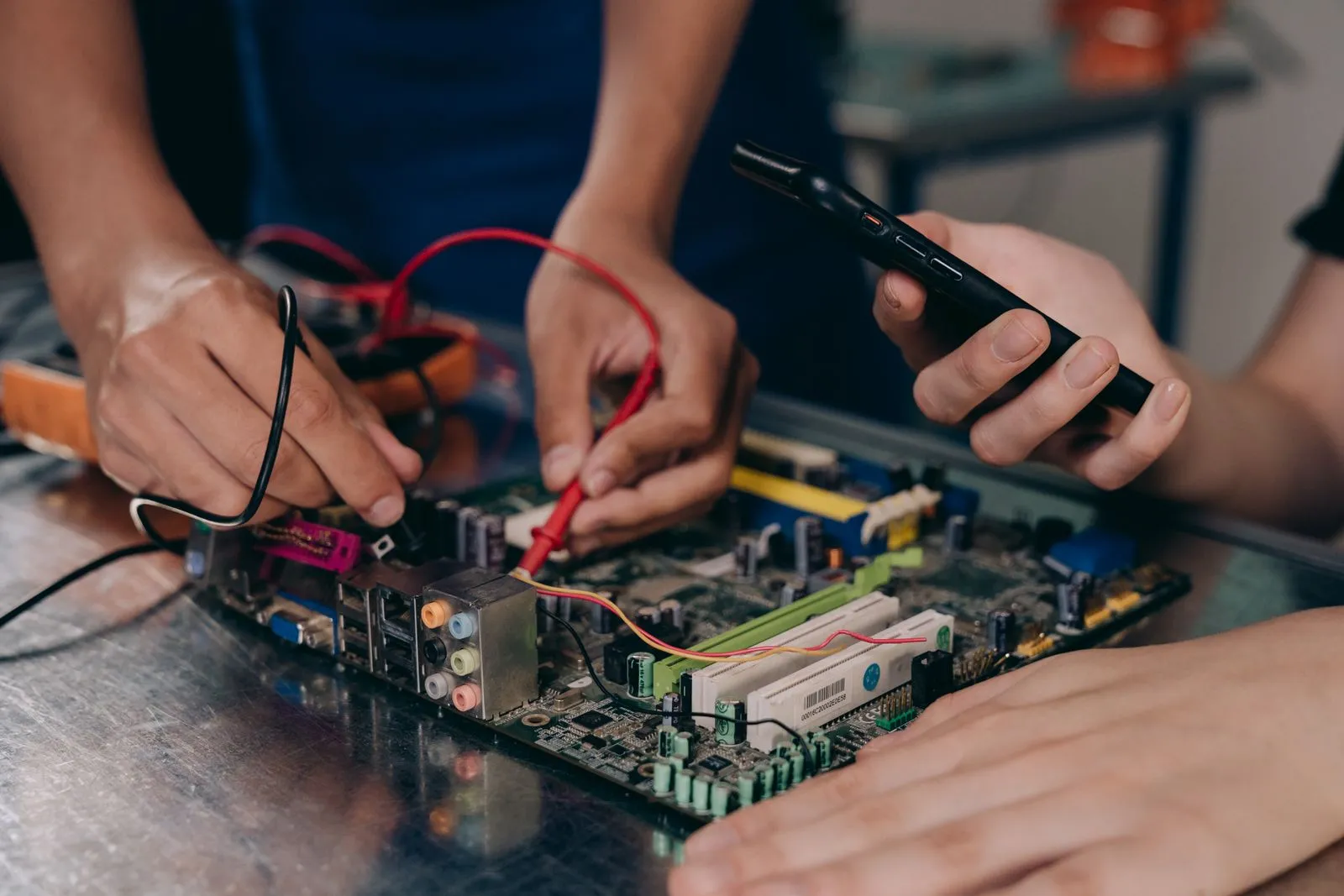
A slow or unreliable computer does not always need to be replaced. A targeted repair may restore the performance you need, while repeated failures or limited capability can make a new device the more practical choice. Start by looking at the computer’s physical condition, the problem it has, and the tasks you expect it to handle. Comparing those factors helps you avoid spending money on a fix that will not solve the real issue—or replacing a computer that still has useful life.
Check the computer’s condition
Look for problems beyond speed. A cracked display, loose charging port, swollen battery, damaged keyboard, or frequent unexpected shutdowns can point to physical wear. Note when each problem began and whether it is getting worse. A single failing part may be replaceable; several unrelated faults can signal that the device needs broader work.
Consider whether the computer is dependable enough for your routine. If it starts consistently, holds a charge, and has no signs of liquid or impact damage, a performance issue may have a straightforward cause. Back up important files before troubleshooting or taking the device in, especially if it freezes, makes unusual noises, or fails to start.
Compare repair needs and costs
Ask what is causing the problem before approving a repair. A technician can check for issues such as a failing drive, insufficient memory, overheating, malware, or damaged components. Request an estimate that identifies the parts and labor involved, explains what the repair should improve, and notes any limits. A clear diagnosis is more useful than replacing parts based on guesswork.
Compare the estimate with the cost of a suitable replacement, not just the price of a brand-new premium model. Include any setup, data transfer, or accessory costs you may face with a new device. If a repair addresses one well-understood fault and leaves the computer fit for your needs, it may be worthwhile. If repairs keep recurring, account for that pattern in your decision.
Match performance to daily work
Write down what you actually use the computer for: email, browsing, video calls, schoolwork, creative software, or business applications. Then identify what is falling short. Long startup times and frequent delays may have different solutions from software that cannot run on the device or a computer that lacks needed ports, memory, or storage.
A repair or upgrade makes sense only if it supports your workload. More memory or a suitable storage upgrade may help some computers, while older hardware may not support the software or features you need. Check the program requirements and confirm that the device can be upgraded before investing. If your everyday tasks have outgrown the computer, replacing it may save time and reduce repeated workarounds.
Make a practical decision
Repair is often worth considering when the computer is otherwise in good condition, the fault is specific, and the estimated work should restore reliable performance for your tasks. Replacement becomes more compelling when the device has multiple failing parts, cannot support essential software, or continues to disrupt work after repairs. Treat age as context, not as the only deciding factor.
Before choosing, confirm that your files are backed up and ask what will happen to your data during service or setup. If you replace the computer, check how to transfer files and securely remove personal information from the old device. Peachtree PC Repair in Atlanta can help assess a computer’s condition and explain repair options, so you can compare them with replacement needs.
The right choice depends on whether a repair can restore dependable performance for the work you do. Weigh the computer’s condition, the scope of the repair, and the capabilities your daily tasks require. If you are unsure, have the device diagnosed and compare the estimate with a suitable replacement before deciding.